

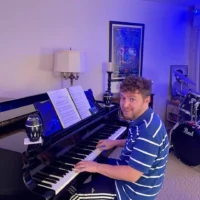
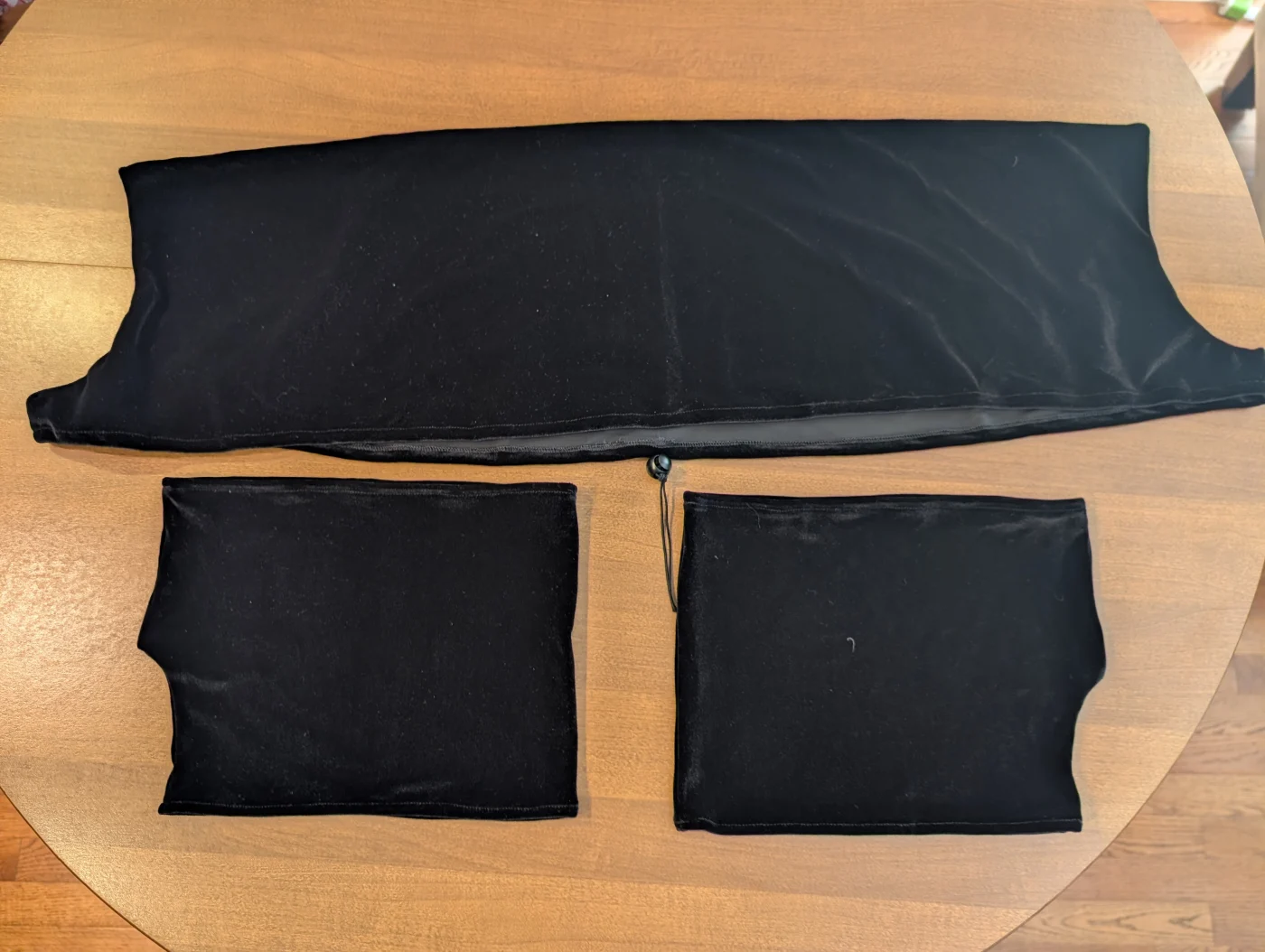
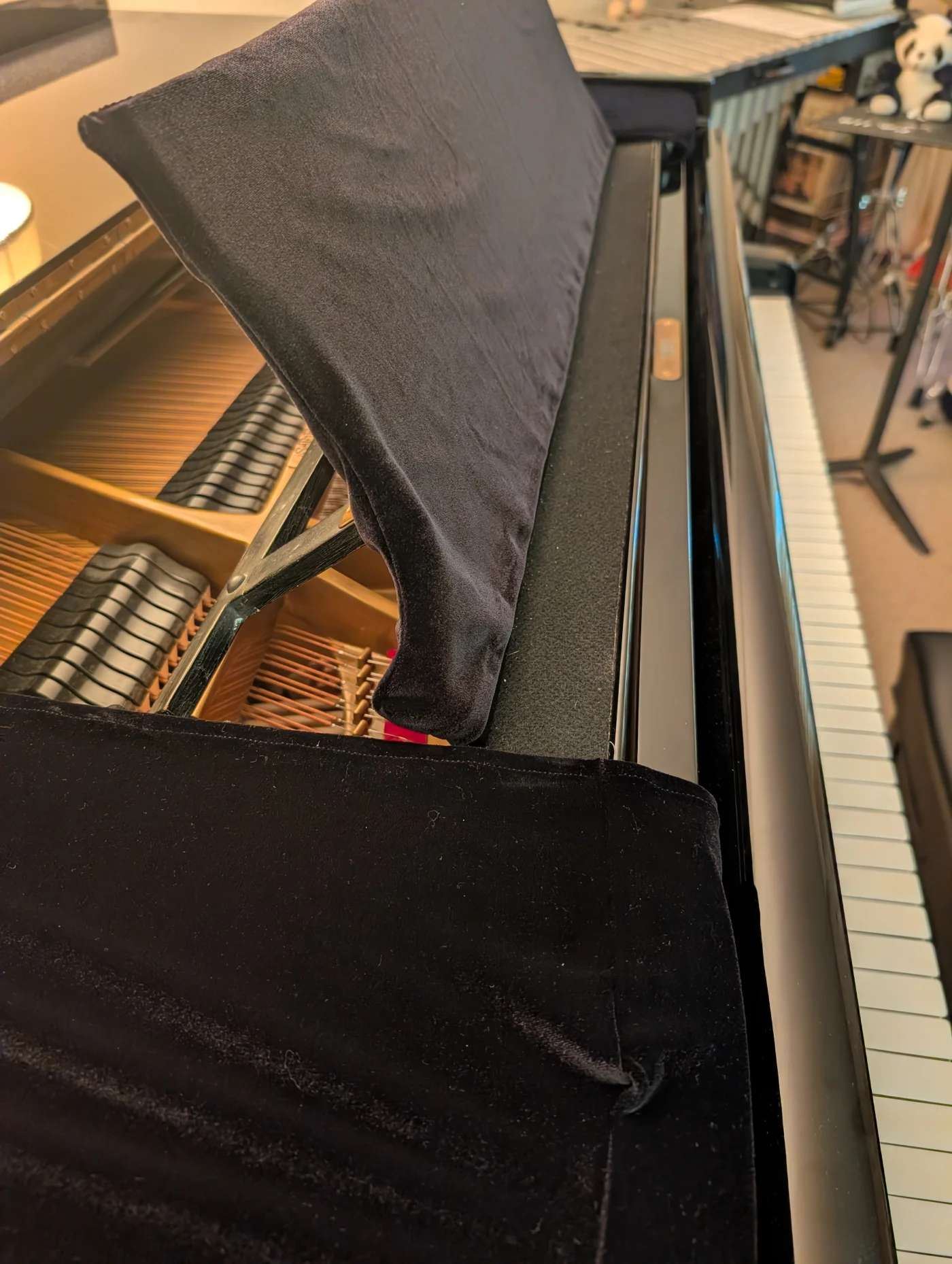
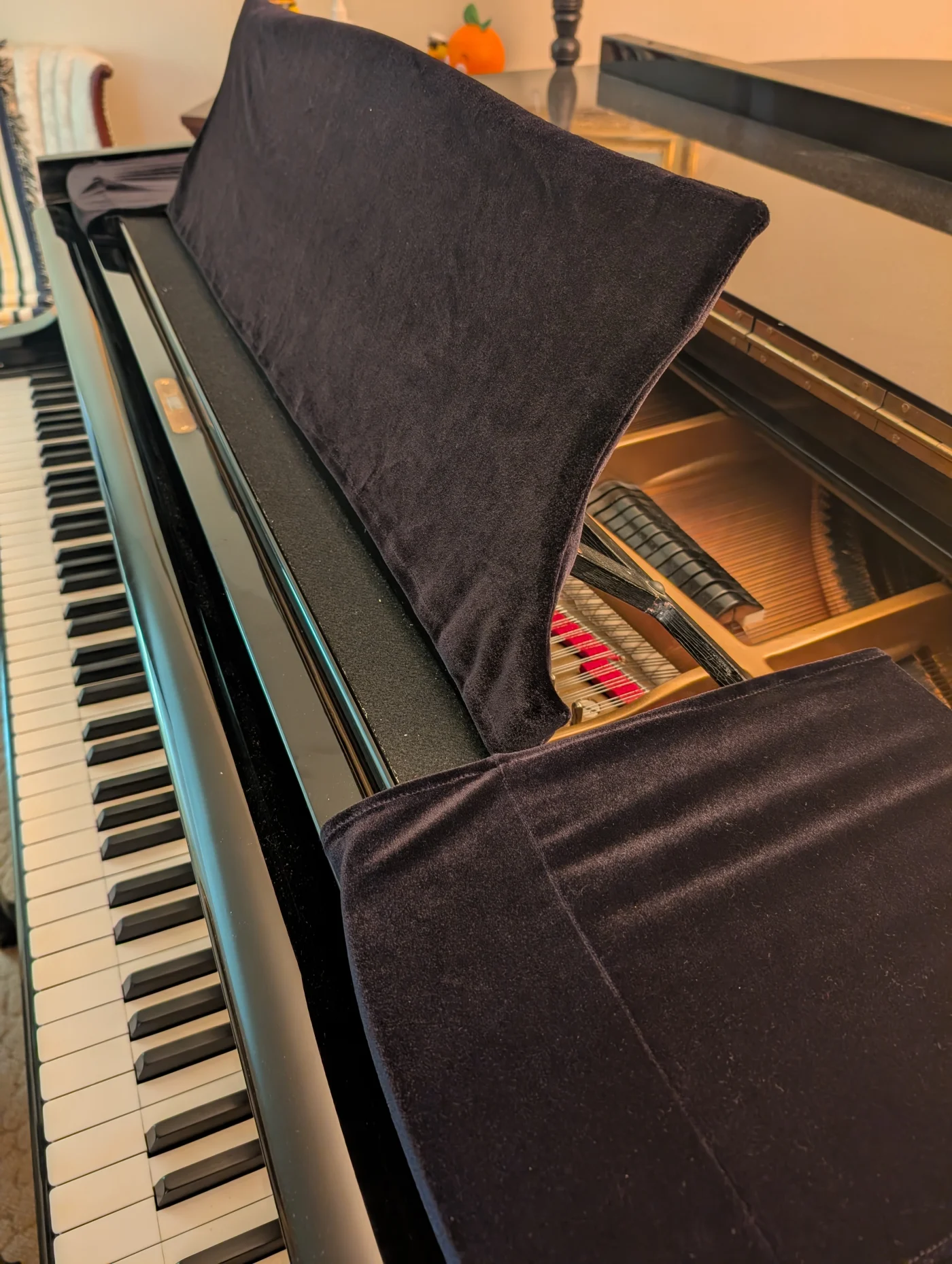
This is slightly Bougie Gear, but I got a Velvet Music Desk Cover for my Baby Grand. I always worry about Binders and Books scratching it. This covers the place to put your music and the areas on the end to stack more music or Bluetooth speakers etc. I got it from here if anyone is interested.
https://www.joshwrightpiano.com/store/c17/velvetmusicdeskcovers

We all play a similar style of music. I want to upgrade my 88 key board. Looking for something easy to transport but also feels great around $1000.
So far it’s down to Privia PSX5000 and Kawai ES-120. Any recommendations are welcome!

Last three weeks found myself testing, somewhat against my will, to what extent it´s possible to maintain a reasonably consistent practice routine using inexpensive equipment. Since - as things stand – I will be away from home for a total of 22 weeks this year, I´ve bought a foldable digital piano so I don´t fall completely behind. The one Willie mentioned once (https://youtu.be/dZKfH09C7Pc?si=EHRs1IMURzfQ4Pzy) does not seem to be available at the moment. Besides, it´s quite expensive, so I would have liked to test it before buying. The same goes for a travel piano from France (https://pianodevoyage.com/) that can be disassembled into four parts. So I ended up choosing a  „plastic model“ made in China for around 200 euro (0,86 euro = 1 US-Dollar) - a low financial risk. It has a full-size standard keyboard, the action is simulated by springs. On my digital piano at home (it costs about 30 times as much) it is controlled by an original grand piano keyboard ...

My first impression was devastating: As expected, the sound from the built-in speakers (which I would not have needed anyway) was not that of a „grand piano“, as the sound is called. It is bearable with good headphones, but when traveling I use standard wired earbuds. Due to the risk of injury, I started practice with 20 to 30 minutes, but soon got back to my usual two hours without any problems in my hands, arms, or shoulders. After three or four sessions, I was able to get used to the unfamiliar sound and feel.

What does not work: Playing near the chassis, between and on the black keys: unlike with a high-quality keyboard, no sound comes out here - likely due to how the keys are attached. The range of volume levels between loud and soft is also limited. After some days a certain key also stopped working after turning the device on. So far, however, it has come back to life after playing for a while - sometimes after an unpleasant noise, like a spring suddenly releasing.

Naturally, the keyboard is not nearly as responsive as on a high-quality instrument, and highlighting the melody when playing large chords is a real challenge. So I wouldn’t recommend this instrument to beginners, nor for practicing challenging classical pieces. In the long run, I wouldn’t enjoy the sound either, and I’m glad that I can now and then return home to my wonderful Kawai. After about 35 hours of intensive use, however, I´m positively surprised overall: For the ridiculous price of a „toy piano“ it is usable and ten times better than not practicing at all while traveling.

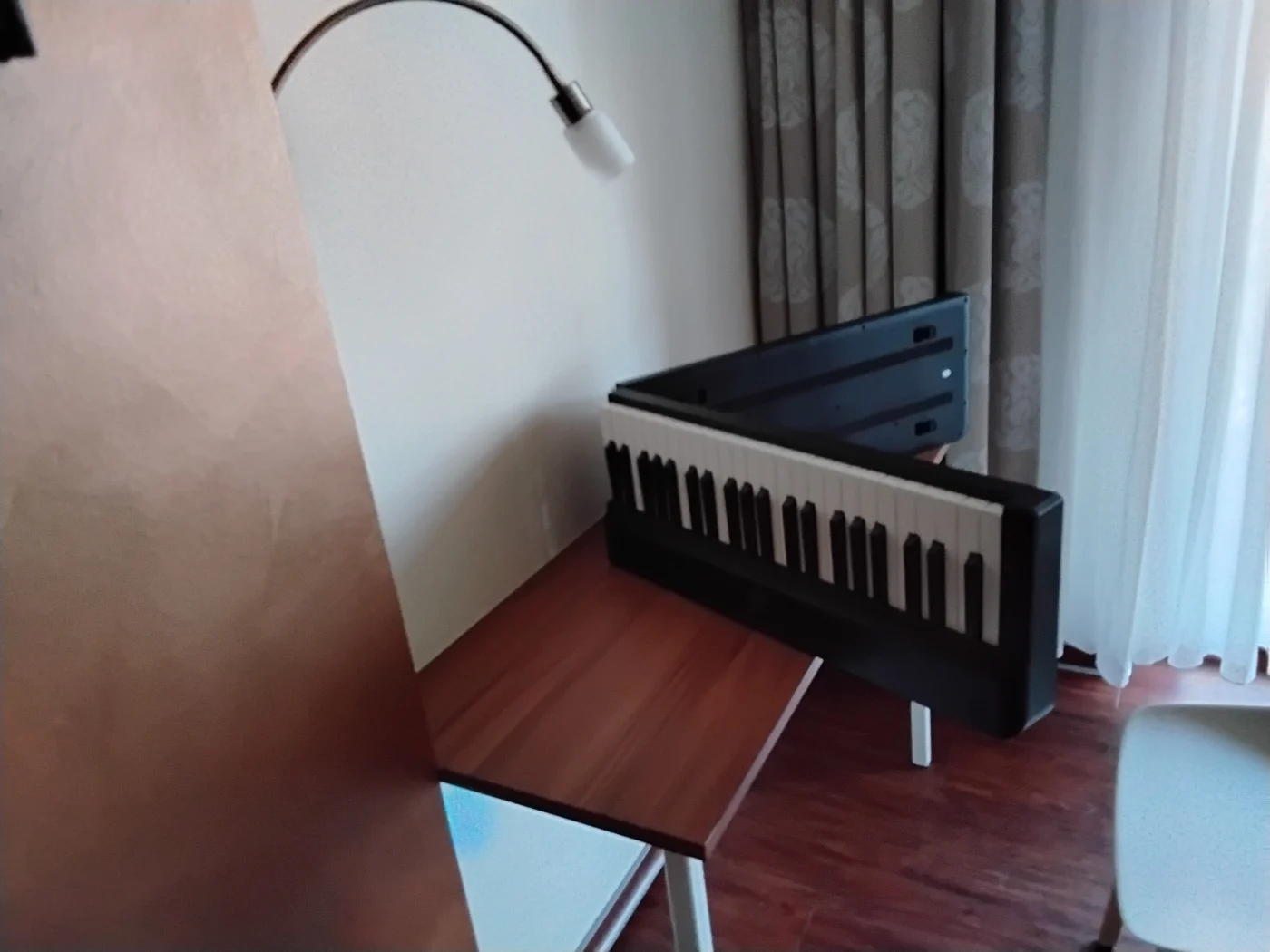
The attached photos show the piano in my hotel-room and how I had to adjust a chair using towels😆...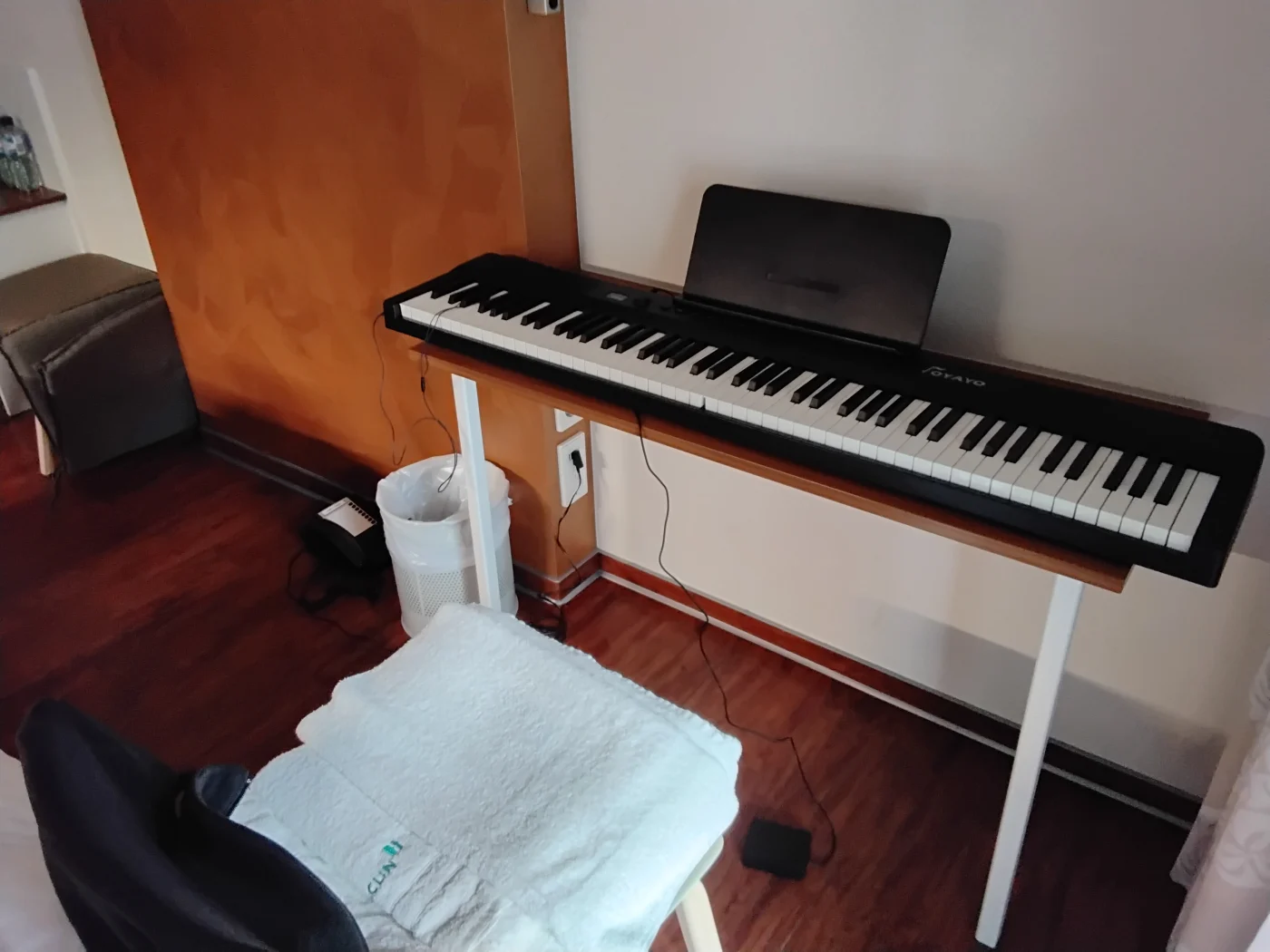

I thought that it might be worthwhile to start a thread where the community can share their approaches to recording videos for this site. This could be helpful for those that are new to the process. There are many potential setup options, but I will start with what I currently use:
Digital Piano into Windows 11 PC
- Basic Web camera with a 10 foot USB extension cable, which allows for flexible positioning
- Yamaha digital piano plugged directly into the PC via a USB audio cable. NOTE: Confirm that your digital piano supports USB audio. If not, you will need to connect your piano to your computer using an external audio interface via the headphone or 1/4" output jacks on the piano.
- Windows Movie Maker / Microsoft Clip Champ / any other video recording software, to record and trim & edit the video
- Set the "USB/Piano" as the audio input source in the recording software above, which yields a better sound than recording from the mic on the web camera. However, you can use the mic on the webcam to record the room audio from your piano speakers if your digital piano is not connected to the PC (step 2)
- Adjust the volume level on the keyboard to ensure that the sound is being recorded at decent level in the video recording software.
- Make final edits to the video (fade in, trim the beginning and ending, etc) then export the file for upload to YouTube.
For acoustic recordings, I use a high-quality USB microphone connected to my phone to capture the audio/video. Then make the video edits on my PC (step 6).
I have irealpro but i also want to import sheet music (TCI sheets) and occasion lyrics into my iPad and make setlists. Currently I just have a photo album I scroll through but there has to be something better.
Strictly for sheet music. I use apple products but don’t want to soend that kind of money for just a screen.